



















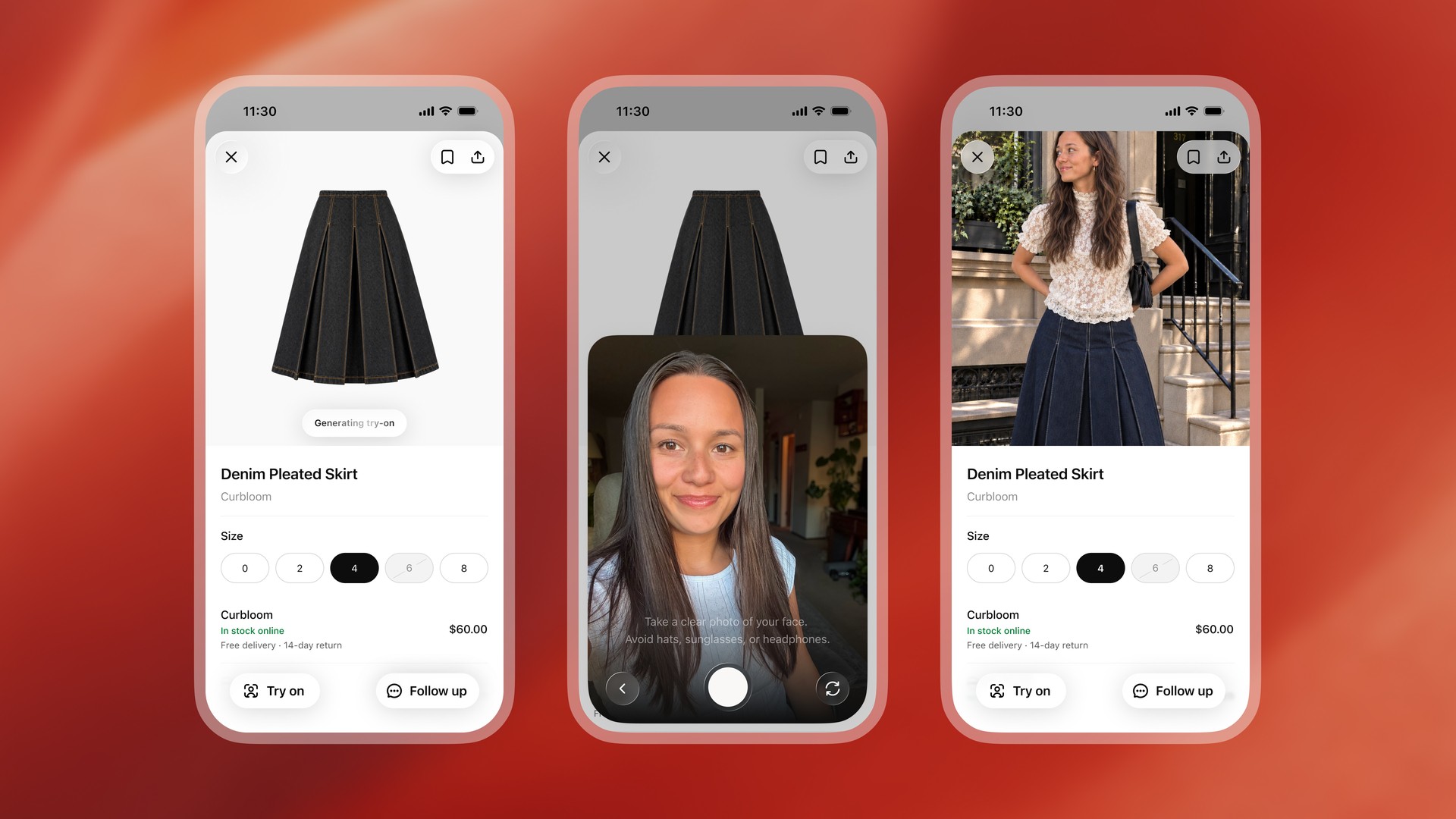
ChatGPT virtual try-on is rolling out, letting shoppers see how clothes and accessories might look on them. OpenAI added the feature on October 1, alongside a way to save products for later. There is a catch worth knowing first, though: OpenAI keeps the selfie you upload.
How ChatGPT virtual try-on works
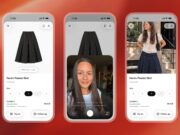
According to OpenAI, a “Try on” button now appears on product listings for clothes and accessories. After you select it, you take or upload a selfie. ChatGPT then generates an image of you wearing the item, using its ChatGPT Images tool.
The feature also goes beyond items ChatGPT suggests. You can also upload a picture of clothing, such as a screenshot, and ask ChatGPT to show it on you. OpenAI says both features work in ChatGPT on mobile and on the web.
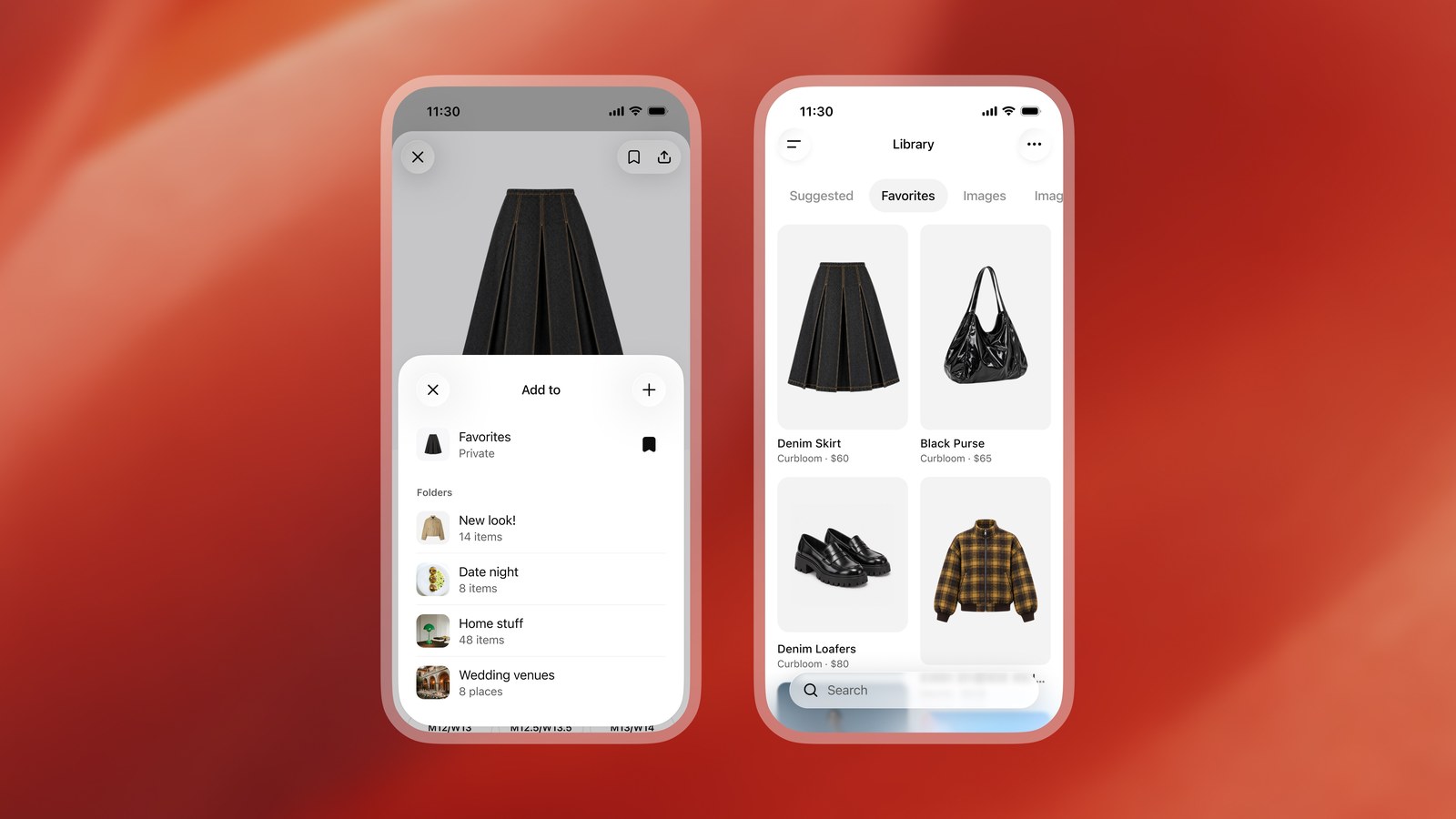
A new Favorites option saves any product to your ChatGPT Library. You can also sort saved items into folders.
Your selfie is saved as a reference photo
Here is the part to read closely. OpenAI’s help page says, “Your reference photos are saved for future try-ons, so you can reuse them without uploading them each time.” The photo does not disappear after one use.
You can remove it. OpenAI points users to Settings, then Personalization, then Reference photos. From there, you can replace a photo or delete it.
Training is a separate question. OpenAI’s data policy says it “may use your content to train our models” on personal ChatGPT accounts. You can opt out by turning off “Improve the model for everyone” under Settings, then Data controls. Privacy-minded shoppers may want to check that setting before uploading a face photo.
Do not trust it for sizing
OpenAI is also clear about the limits. Its help page warns that try-on images “may not represent the product or your appearance exactly and do not guarantee fit or size.” It tells shoppers to check the merchant’s measurements, product details, and return policy before buying.
That makes the tool a style preview, not a fitting room. It can show whether a jacket suits you, but it cannot tell you which size to order.
Why OpenAI keeps adding shopping tools
Shopping has become a battleground for AI assistants. Meta recently gave its Muse assistant shopping and trip tools. Amazon retired Rufus and put Alexa in its search bar. OpenAI, for its part, says ChatGPT picks product results independently, and that neither ads nor OpenAI partnerships influence them.
The try-on images come from ChatGPT Images, the company’s image tool. OpenAI moved it to version 2.5 on September 8.